
How Much Does Small Business Automation Cost? Small Business Guide
Discover how much small business automation costs, including pricing factors, AI receptionist options, and budgeting strategies.
Explore the factors influencing answering service costs and learn how to budget effectively for call coverage automation.
Introduction
How much does an answering service cost? For small businesses, the answer ranges from $0 for basic free tiers to over $500 monthly for enterprise plans, with per-call rates typically falling between $1.67 and $3.00. Understanding these cost structures is critical because missed calls cost small businesses more than the price of any answering service.
When a potential customer reaches voicemail instead of a person, they move to the next listing — and you lose revenue you never knew existed. The question isn't whether you need call coverage; it's how much you should budget for it and what you actually get at each price point.
Answering service pricing has shifted dramatically with the introduction of AI receptionist technology. Where traditional services once started at several hundred dollars monthly for basic coverage, newer platforms now offer free tiers and usage-based models that scale with your call volume. The challenge is separating marketing claims from operational reality: what features justify higher costs, and which pricing structures align with your business model.
This guide breaks down the cost factors that determine what you'll pay, from per-call rates and monthly minimums to the hidden expenses in setup and integration. We've evaluated pricing across service types — human operators, AI systems, and hybrid models — to show you where budget-conscious choices make sense and where cutting costs creates operational risk. For businesses exploring small business automation, understanding answering service economics is a prerequisite to building a reliable customer intake process.
The numbers matter because call handling sits at the intersection of customer experience and revenue capture. A service that costs $150 per month but converts three additional leads pays for itself; a $50 solution that fumbles intake questions and sends prospects elsewhere is expensive at any price. The sections ahead walk through how to calculate your actual cost per qualified lead and build a budget that reflects what call coverage is worth to your operation.
Understanding the Costs of Answering Services
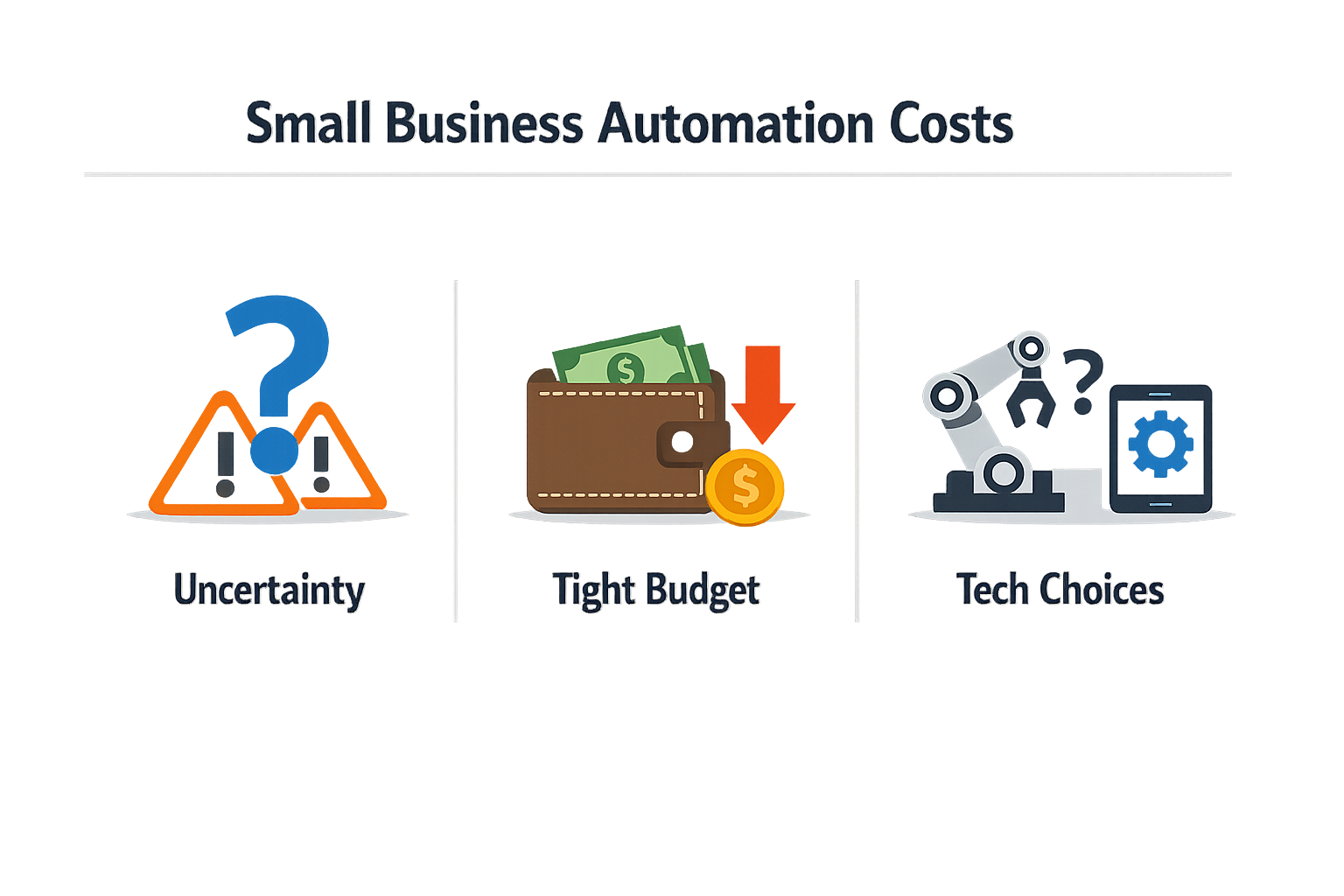
Small businesses face genuine uncertainty when evaluating how much does an answering service cost. The question rarely has a single answer — pricing structures vary widely, and the advertised rate often tells only part of the story. A business owner comparing vendors will find monthly fees that range from free tiers to enterprise contracts, with per-call overages, setup fees, and integration costs layered on top.
The real challenge is not just the price tag. It is understanding what you are paying for and whether the solution will handle your actual call volume without surprise charges. Many businesses discover hidden costs only after implementation: overages that kick in when call volume spikes, fees for features that seemed standard, or integration work that requires custom development. When you cannot predict your monthly bill, budgeting becomes guesswork.
The Gap Between Advertised Pricing and Real-World Costs
Answering service pricing models typically fall into tiered structures. A provider might offer a free tier with a limited number of calls per month, then charge per-call overages once you exceed that cap. Other vendors bundle a set number of calls into a monthly subscription, with different rates depending on whether you need basic message-taking or advanced lead qualification. The variance is significant: some solutions charge per call handled, others charge for active usage hours, and a few operate on flat monthly rates regardless of volume.
The complexity deepens when you factor in what the service actually does with each call. A basic message service that logs caller information costs less than a system that qualifies leads, schedules appointments, and integrates with your CRM. The difference in capability justifies the price gap, but only if you need those capabilities. Businesses often overpay for features they do not use or underpay for a solution that cannot handle their workflows, leading to missed calls and lost revenue.
Budgeting Without Clear Benchmarks
Small businesses struggle to benchmark answering service costs because their needs do not fit neatly into vendor tiers. A contractor might receive a dozen calls on slow days and fifty during peak season. A law firm might need detailed intake forms for every caller, while a retail shop just needs someone to answer basic questions. When pricing is tied to call volume or feature sets, and your volume fluctuates, the monthly bill becomes unpredictable.
This unpredictability makes it hard to justify the expense. If you cannot confidently tell your accountant what next quarter's bill will be, you cannot build a reliable operating budget. The result is either underinvestment — sticking with manual processes that cost you in missed opportunities — or overcommitment to a contract that strains cash flow when call volume dips.
The cheapest answering service is not the one with the lowest advertised rate; it is the one whose billing model matches your actual call patterns without forcing you to overpay for unused capacity.
Another common pain point is the setup and training burden. Even if the monthly fee is reasonable, the time required to configure the system, train the AI or live agents on your business processes, and integrate it with your existing tools represents a real cost. Some vendors advertise quick setup times, but businesses with complex workflows or legacy systems often find that "quick" means weeks of back-and-forth. That delay translates to lost productivity and, in some cases, continued reliance on the old manual process while the new system is being configured.
The Risk of Mismatched Solutions
Businesses also face the risk of choosing a solution that does not scale with their needs. A free or low-cost tier might work for the first few months, but as call volume grows, the per-call overage fees can quickly exceed the cost of a higher-tier plan. Conversely, locking into an enterprise plan with a high monthly minimum makes sense only if your volume justifies it. Without clear visibility into your current and projected call patterns, it is difficult to choose the right tier — and switching providers mid-contract often incurs penalties or setup costs all over again.
For businesses exploring small business automation, the answering service decision is just one piece of a larger puzzle. The cost is not just the monthly subscription; it is the total impact on operations, including the time saved, the calls answered, and the revenue protected by not missing leads. Understanding these trade-offs requires looking beyond the price sheet to the actual business outcomes the service delivers. For service area businesses, reliable call handling directly impacts local SEO performance and customer acquisition costs.
How Do You Calculate Answering Service Cost?
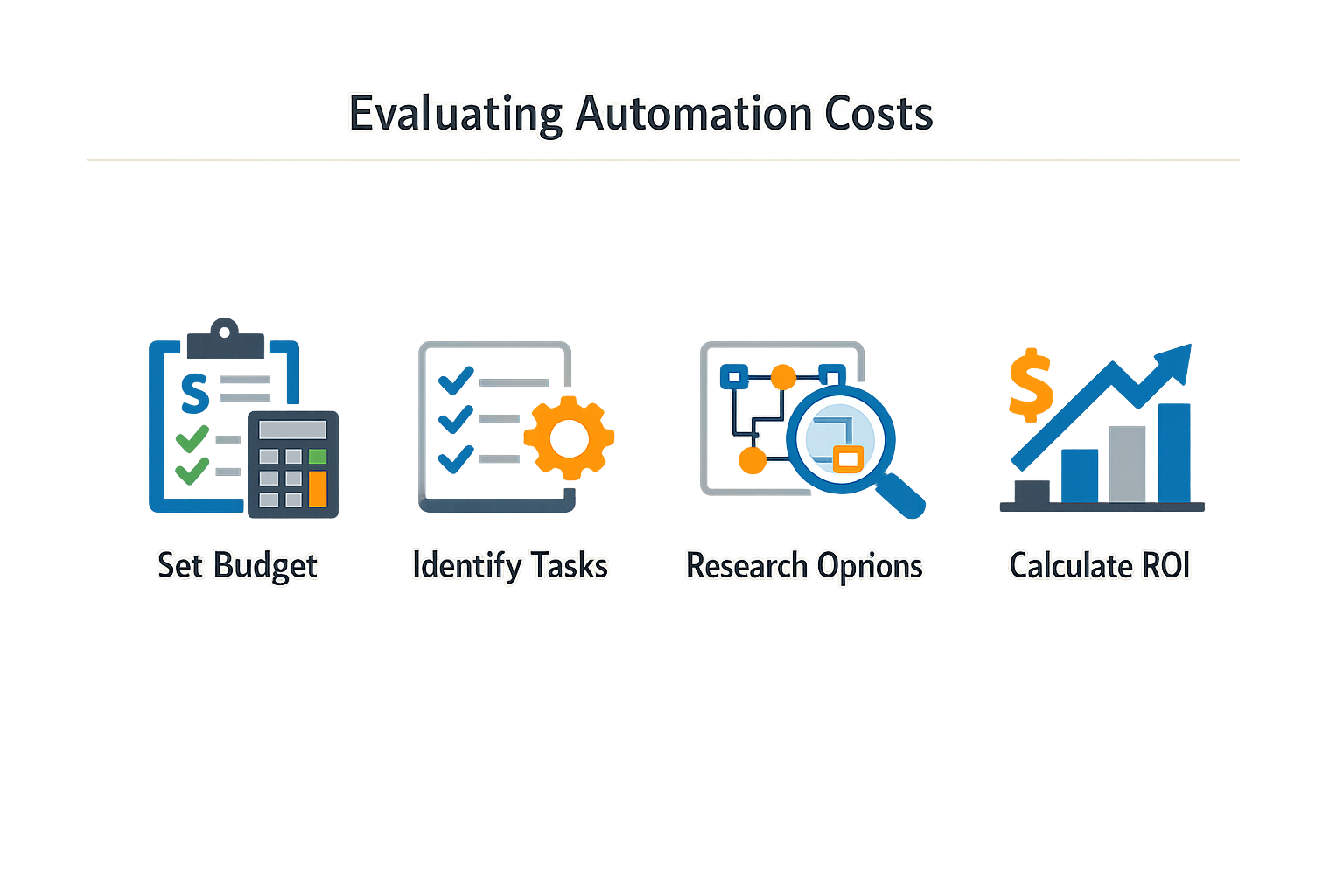
Determining how much does an answering service cost requires more than comparing price tags. The real number depends on your call volume, the complexity of your intake process, and whether you need human backup. Follow these steps to arrive at a budget that reflects your actual operational needs.
Catalog Your Current Call Volume and Patterns
Log every inbound call by time of day, day of week, and whether it required immediate action or could wait. Use your phone system's call logs or a simple spreadsheet. You need baseline data before you can price a solution — vendors charge per call or per minute, so fuzzy estimates produce fuzzy budgets.
Most small businesses underestimate their true call count because they only remember the busy days. A two-week sample captures weekly cycles and gives you a defensible average. If your business is seasonal, extend the tracking window or adjust your estimate upward for peak months.
Sort your logged calls into three buckets: routine inquiries that follow a script, complex questions that need expertise, and emergencies that demand immediate escalation. AI receptionists handle the first bucket well; the second may need live agent backup; the third always does.
This step determines whether a pure AI solution will work or whether you need a hybrid model with live agent escalation. Hybrid models cost more per call, but they prevent the reputational damage that comes from an AI mishandling a high-stakes situation.
Map Your Intake Requirements to Vendor Capabilities
Write down the questions you need answered before a lead becomes an appointment: service area, budget range, timeline, decision-maker availability. The more qualification steps you require, the more sophisticated (and expensive) your automation needs to be.
Vendors with industry-specific training handle complex qualification better than generic AI tools. Smith.ai, for example, built its system on data from over 20 million calls, which means it can handle nuanced intake scenarios that would trip up a basic chatbot. That experience costs more upfront but reduces the per-call failure rate.
Take your average monthly call count and run it through each vendor's pricing structure. Most services use tiered pricing: a base fee plus per-call or per-minute charges that decrease as volume increases. Compare the total monthly cost, not just the per-call rate.
A free tier with high per-call overages may cost more than a paid plan if you handle more than a few dozen calls per month. Run the math for your actual volume — the cheapest plan is rarely the cheapest total.
Test Before Committing to Long-Term Contracts
Most vendors let you set up a test environment in under 15 minutes. Route a portion of your live traffic through the system for one or two weeks and track how many calls the AI handled end-to-end versus how many required escalation. Measure the cost per successfully completed call, not the advertised rate.
The pilot reveals hidden costs that don't show up in the pricing page: training time, integration work, and the percentage of calls that fall outside the AI's comfort zone. If your pilot shows a 30% escalation rate and live agent backup costs an extra fee per call, your effective per-call cost is higher than the base rate.
Build a Budget That Accounts for Growth
If your business is growing, your call volume will grow with it. Estimate your call count six months and twelve months out, then check whether your chosen plan can scale without triggering expensive overage fees. Some vendors offer volume discounts at higher tiers; others penalize you with per-call surcharges.
A solution that fits your current volume may break your budget as you scale. Lock in pricing structures that reward growth rather than penalize it, and avoid contracts that require renegotiation every time you add capacity.
For a broader view of which automation tasks to prioritize as you scale, see Small Business Automation: Workflow Automation for Small Business. Businesses focused on local SEO for contractors should also consider how call tracking data feeds into their marketing attribution models.
What Strategies Lower Answering Service Costs?
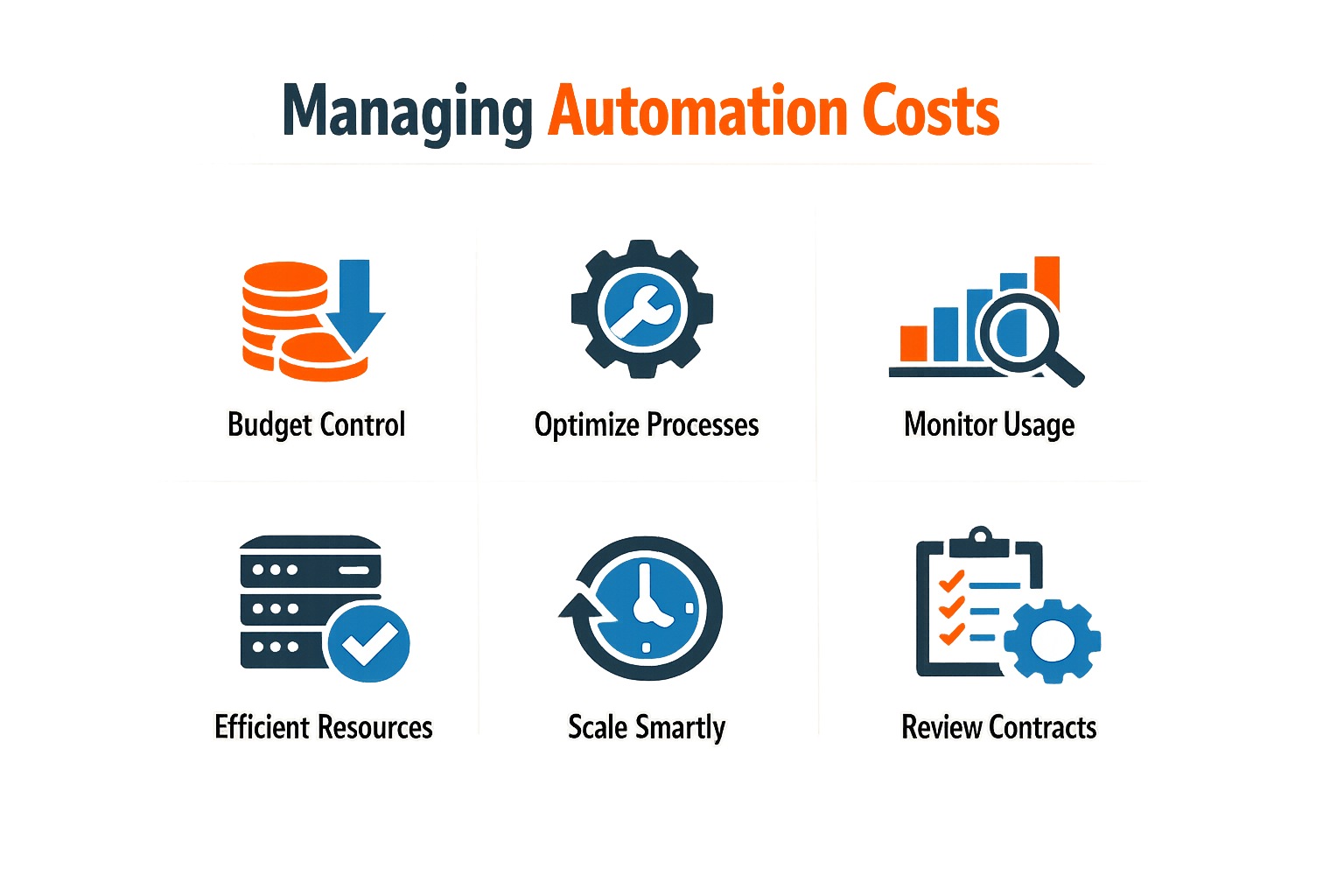
Managing how much does an answering service cost effectively requires discipline and a clear understanding of what drives value. Many small businesses overspend on features they never use or underspend on the integrations that would actually save time. The goal is to match your investment to your operational reality, not to a vendor's feature list.
Start Small and Scale Deliberately
Begin with the highest-impact automation before expanding. If missed calls cost you leads, prioritize call handling over back-office workflows. AI receptionist solutions can be set up in about fifteen minutes, allowing you to test functionality before committing to larger plans. This approach reduces upfront risk and gives you real usage data to inform future decisions.
Monitor your usage patterns closely during the first billing cycle. Many platforms charge per interaction or per call, so understanding your actual volume prevents surprise overages. If your call volume spikes seasonally, look for plans that allow you to scale up and down without penalty.
Leverage Free Tiers and Trials Without Overcommitting
Some AI receptionist providers offer free tiers with limited monthly calls, which can be sufficient for businesses testing automation or handling low inquiry volumes. These tiers let you evaluate voice quality, lead qualification accuracy, and integration reliability before paying for higher-capacity plans. However, free plans often lack advanced features like custom workflows or CRM integration, so plan to upgrade once the automation proves its value.
The cheapest plan is worthless if it can't handle your actual call patterns or integrate with your scheduling system.
Avoid the trap of signing annual contracts during the trial phase. Monthly billing gives you flexibility to adjust or cancel if the platform doesn't meet expectations. Once you've validated the automation and confirmed cost savings, then consider annual pricing for the discount.
Optimize for Long-Term Value
Cost management doesn't stop after implementation. Review your answering service spend quarterly to ensure you're not paying for unused capacity or redundant tools. If you're using both an AI receptionist and a separate scheduling tool, evaluate whether consolidating to a single platform reduces overall cost and complexity.
Look for opportunities to reduce per-interaction costs by improving call routing logic. If your AI receptionist escalates too many calls to live agents, refine the qualification criteria to handle more inquiries autonomously. Escalations initiated by the AI itself typically carry no additional fee, but manual escalations or live agent involvement can add per-call charges.
Small Business Automation: Workflow Automation for Small Business can help you identify which processes to automate next once call handling is optimized.
Negotiate Based on Volume and Integration Needs
Once you have several months of usage data, you have leverage to negotiate better rates. Providers often offer custom pricing for businesses with predictable high volume or complex integration requirements. If you're consistently exceeding your plan's call quota, ask about volume discounts or enterprise tiers before simply upgrading to the next standard plan.
Be specific about what you need from the platform. If you don't need advanced reporting or multi-location support, request a stripped-down plan at a lower price. Vendors would rather keep your business at a reduced rate than lose you to a competitor.
Track ROI, Not Just Costs
The real measure of cost management is return on investment, not the monthly bill. If an AI receptionist costs you several hundred dollars per month but captures leads worth thousands, the cost is justified. Track metrics like lead conversion rate, response time improvement, and staff hours saved to quantify the benefit.
Set a threshold for acceptable cost per lead or cost per qualified call. If your automation exceeds that threshold, revisit your plan tier, call routing logic, or provider choice. The goal is to spend efficiently on automation that delivers measurable business outcomes, not to minimize spend at the expense of capability.
Conclusion
Understanding how much does an answering service cost is the first step toward making automation work for your business rather than against your budget. The pricing models we've covered—from per-call structures to monthly subscriptions and enterprise tiers—reflect different operational assumptions, and choosing the wrong model can turn a cost-saving tool into a recurring expense that outpaces its value. Small businesses that succeed with automation start by mapping their actual call volume, identifying which interactions justify human escalation, and selecting a pricing tier that scales with predictable growth rather than punishing occasional spikes.
The difference between a $0 free tier and a $500 enterprise plan is not just feature depth—it's the vendor's commitment to handling edge cases, maintaining uptime during your busiest periods, and providing the kind of lead qualification that turns inbound calls into closed deals. Smith.ai's experience answering over 20 million calls demonstrates that mature platforms price for reliability, not just for features. When you evaluate cost, you're evaluating whether the vendor has solved the problems you haven't encountered yet.
Budgeting for answering services means accounting for more than the monthly subscription. Integration costs, training time, and the opportunity cost of missed calls during setup all factor into the true expense. Businesses that treat automation as a capital investment rather than a recurring line item tend to choose platforms with better documentation, stronger API support, and customer success teams that answer when you need them. The cheapest option is rarely the one that costs the least over 24 months.
For service businesses managing local SEO, customer experience, and operational efficiency simultaneously, answering service automation is not optional—it's the difference between scaling profitably and hiring your way into diminishing returns. The businesses that get automation right are the ones that measure cost per qualified lead rather than cost per call, and they adjust their systems when the numbers stop making sense. If you're ready to move beyond guesswork, explore small business automation strategies that align technology investments with revenue outcomes.
FAQ
How much does an answering service cost per month?Answering service costs range from $0 for free tiers with limited calls to over $500 monthly for enterprise plans. Mid-tier plans typically run $100-$300 per month with included call volumes, while per-call rates fall between $1.67 and $3.00.
What factors affect answering service pricing?Pricing depends on call volume, service complexity (basic message-taking versus lead qualification), whether you use AI or human operators, integration requirements, and whether you need 24/7 coverage or business-hours-only support.
Are AI answering services cheaper than human operators?AI receptionist services typically cost 40-60% less than human-staffed answering services for comparable call volumes. However, AI solutions may require human backup for complex inquiries, which adds per-call escalation fees.
What hidden costs should I watch for?Common hidden costs include setup fees, integration charges, per-call overages when you exceed your plan's included volume, escalation fees for live agent backup, and training time required to configure the system for your business.
How do I choose between per-call and monthly subscription pricing?If your call volume is predictable and high, monthly subscriptions with included calls offer better value. If volume fluctuates significantly or you're just starting, per-call pricing provides flexibility without paying for unused capacity.
Sources(11)
Written by
Xenco Labs Editorial
Published October 20, 2026 · 16 min read
The Xenco Labs editorial team writes about building and shipping AI products to production.
You Might Also Like
More from the Xenco Labs blog
Pressure Washing Software: What an Owner-Operator Actually Needs
Discover the pressure washing software owner-operators need for scheduling, invoicing, customer management, and efficient operations in 2025. Learn how pressure washing

Workflow Automation for Small Business
Discover what workflow automation for small business is and how to implement it for small business operations. Boost efficiency, save time, and streamline tasks.

Pressure Washing CRM Business Software: Automate Beyond Customer
Discover how pressure washing CRM business software optimizes your operations by automating scheduling, invoicing, routing, and tasks beyond customer records.

Field Service CRM: Service Business CRM vs Operating System: Key
Explore the key differences between field service CRM and Service Business Operating Systems to optimize your field service operations and growth.