
Workflow Automation for Small Business
Discover what workflow automation for small business is and how to implement it for small business operations. Boost efficiency, save time, and streamline tasks.
Introduction
What is workflow automation? It is the connection of business processes so that completed steps trigger the next action without manual intervention. For small businesses, this means a customer inquiry can flow into an estimate, then a contract, field task list, completion record, and invoice — all prepared by the system, approved where it matters, and executed without the owner managing every handoff.
The concept matters for owner-operated businesses because growth typically requires either hiring office staff or working nights to keep up with paperwork. What is workflow automation in practice? It creates a third option: the system handles the office while the owner focuses on service delivery and customer relationships. When small business automation is implemented correctly, it removes bottlenecks without removing control.
The first deployments focus on businesses where the workflow is already repeatable: local and field-service operations where scope is measurable, completion is documented, and payment follows service. These businesses have natural process boundaries — quote, schedule, perform, document, invoice, follow up — that automation can connect into a single managed system rather than a collection of disconnected tools.
For service businesses with small crews, the constraint is rarely the fieldwork itself. The constraint is the gap between inquiry and estimate, between completion and invoice, between initial quote and systematic follow-up. What is workflow automation's role here? It closes those gaps by moving approved scope through contracts, job tasks, completion records, and invoicing without requiring the owner to manually prepare each document or remember each follow-up date.
Identifying the Challenges of Manual Workflows
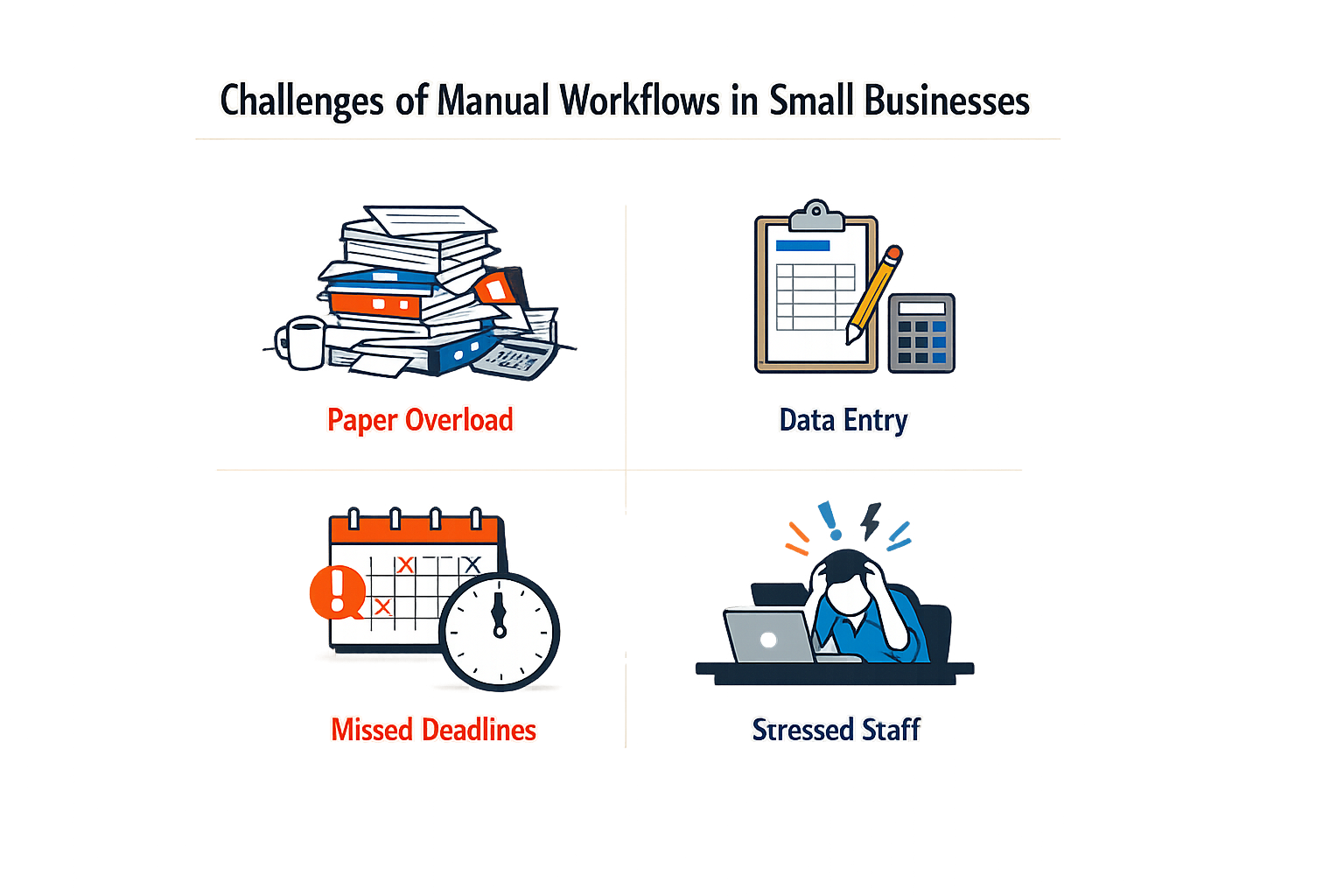
Small service businesses lose hours to office work that should take minutes. The owner finishes a job, then spends the evening writing invoices, chasing quotes, and remembering who to follow up with. Manual workflows turn administrative tasks into a second shift.
Slow Estimates and Lost Opportunities
Customers expect pricing fast. When estimates require manual calculation, measurement, and email back-and-forth, prospects move on. A competitor with instant pricing wins the job before the manual estimate leaves the inbox. Field verification still matters, but the initial response sets the pace.
Paperwork That Follows You Home
Approved scope becomes a contract. The contract becomes a task list. The completed job becomes an invoice. In manual workflows, each transition requires the owner to remember, retype, and reconcile. Approved scope should flow into contracts, job tasks, completion records, and invoicing without reentry — but in most small businesses, it does not.
The result is predictable: invoices sent late, follow-ups forgotten, and documentation assembled under deadline pressure.
Leads That Disappear Without a System
A quote goes out. The customer says they will think about it. Without a structured follow-up workflow, that lead depends entirely on the owner's memory. CRM and nurture workflows keep quote follow-up from depending on memory, but most small businesses still track prospects in a notebook or a mental list.
The cheapest lead is the one you already paid to generate — losing it to disorganization is expensive.
Manual tracking works until volume increases. Then it fails suddenly, and the owner realizes how many opportunities walked away in silence.
The Overhead Trap
Growth without automation means hiring office staff. Hiring office staff means fixed costs, management overhead, and dependency on people who may leave. Owner-operated service businesses and small field teams need growth without adding office overhead, but manual workflows make that impossible. The work scales; the administrative burden scales faster.
For a deeper look at prioritizing which processes to automate first, see Small Business Automation: Workflow Automation for Small Business.
The pattern is consistent: manual workflows constrain capacity, delay revenue, and push administrative work into personal time. Solving these challenges requires systems that prepare and move the work automatically while keeping the owner in control where decisions matter.
What Is Workflow Automation Implementation for Small Business?
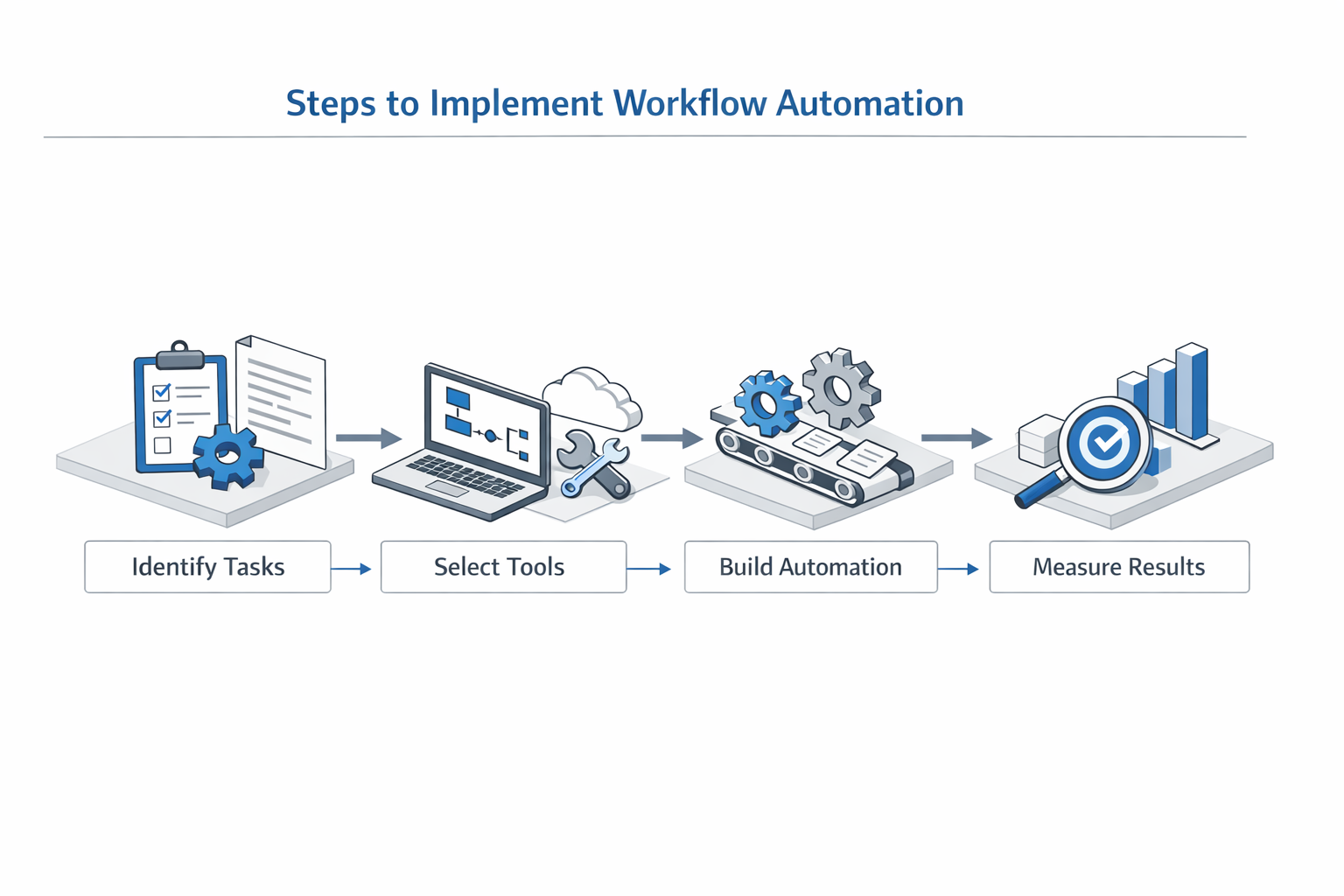
Implementing what is workflow automation for small business requires a methodical approach that keeps the owner in control while systematically removing repetitive office work. The goal is not to automate everything at once, but to build a connected system where each completed step triggers the next without manual handoffs.
Start Where the Work Is Repeatable
The first deployments should focus on processes that follow a predictable sequence. Field-service businesses where an owner or small crew sells measurable work, documents completion, and collects payment after service fit this pattern well. These operations have natural checkpoints — lead intake, estimate delivery, scope verification, job execution, and invoicing — that automation can connect without requiring complex decision trees.
Step 1
Map the customer journey from inquiry to payment
Document every touchpoint in your current process: how leads arrive, how you generate estimates, how scope gets verified, how contracts are signed, how field work is tracked, and how invoices are created. This inventory reveals which handoffs depend on memory or manual data re-entry. The Sonoma Wash Co. workflow illustrates a complete sequence: phone or web lead, instant estimate, 15-minute assessment, verified scope, e-sign agreement, field job with media capture, and invoice with payment.
Step 2
Automate lead capture and initial response
Replace voicemail with a system that answers every inquiry and delivers an immediate response. An AI phone receptionist trained on your approved business knowledge can handle common questions, while a web-based estimator lets customers price standard work without waiting. The system should route complex inquiries to you, but handle the repeatable scenarios automatically. This step eliminates the lag between inquiry and acknowledgment that causes leads to disappear.
Step 3
Connect estimates to contracts and scheduling
Once a customer accepts an estimate, the approved scope should flow directly into a contract, e-sign workflow, and calendar appointment without re-typing. The owner retains final verification before commitment, but the system prepares the paperwork and tracks the sequence. CRM and nurture workflows ensure quote follow-up happens on schedule rather than when you remember to check a spreadsheet.
Step 4
Build field workflows that create documentation automatically
Scope-derived task checklists guide field work and capture completion evidence — photos, measurements, notes — as the job progresses. When the crew marks tasks complete, the system timestamps the work and attaches media to the customer record. This documentation feeds directly into invoicing and provides the audit trail customers expect when they review charges.
Step 5
Automate invoicing and payment collection
Approved field work should generate an invoice automatically, with line items that match the signed scope and completion records that justify each charge. Payment processing integrates with the invoice delivery, so the customer can pay immediately rather than waiting for a separate billing cycle. Follow-up reminders for unpaid invoices run from the CRM without manual intervention.
Retain Control Where It Matters
Automations prepare and move the work, but the business owner should retain approval authority where pricing, scope, and customer commitments are at stake. Customers can price common work immediately through a rate-card estimator, but the owner verifies final scope before the crew arrives. This balance prevents automation from making promises the business cannot keep while still removing the repetitive data-entry and follow-up tasks that consume evenings and weekends.
Integration Over Disconnected Tools
A connected service-business operating system handles AI phone answering, estimates, appointments, contracts, field workflows, CRM, documentation, invoices, and payments as one managed system rather than a collection of disconnected SaaS subscriptions. Connecting your existing apps — accounting, marketing, scheduling — in a few clicks creates a tailored setup that grows with the business. The system is designed around the way a small service company actually works, not around the feature list of a generic platform.
For more guidance on prioritizing automation projects, see Small Business Automation: Workflow Automation for Small Business.
Tips and Tricks for Successful Automation
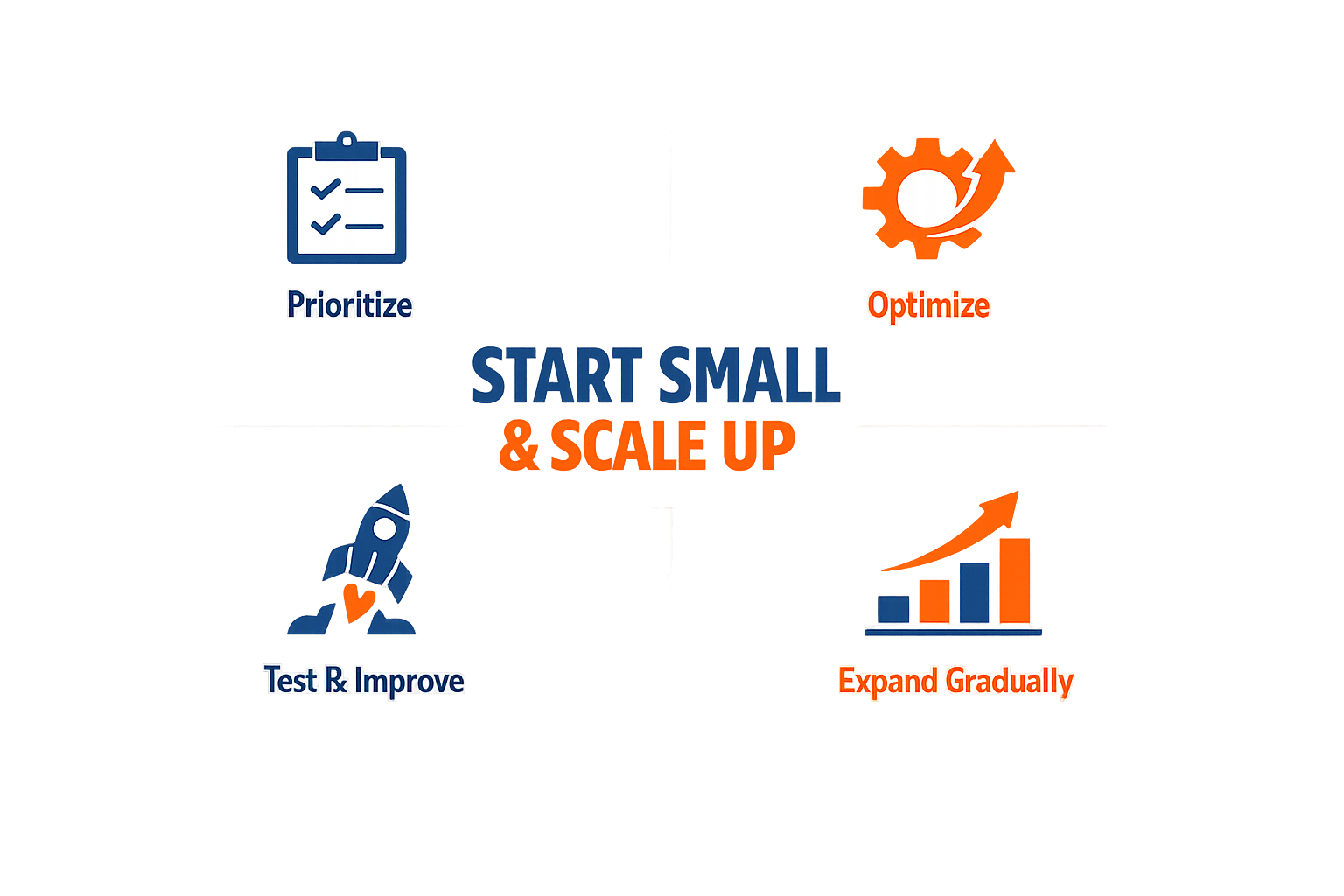
Once you've implemented your first workflows, the work shifts from setup to optimization. Small businesses that treat automation as a finished project rather than an evolving system leave efficiency on the table. The difference between a workflow that runs and one that runs well comes down to a few disciplined practices.
Start Where the Work Is Repeatable
Not every task belongs in an automated workflow. The highest-return opportunities are processes that repeat frequently, follow predictable steps, and require minimal judgment. Field service businesses that automate quote generation, appointment scheduling, and post-job invoicing see immediate time savings because those workflows happen dozens of times per month with little variation.
Tasks that require custom decisions, creative problem-solving, or nuanced customer interaction should remain manual until the business has documented a reliable decision framework. Automating a workflow before the underlying process is stable creates more confusion than it resolves.
Keep the Owner in Control Where It Matters
Automation should prepare and move work, not remove oversight where pricing, scope, or customer commitments are at stake. Systems that allow the business owner to retain approval on estimates, contracts, and scope changes prevent costly errors while still eliminating repetitive data entry and follow-up tasks.
For example, a system can generate a written estimate based on service catalog pricing and customer inputs, but the owner verifies the final proposal before it reaches the customer. This pattern maintains quality control without forcing the owner to rebuild every quote from scratch.
Automations prepare and move the work; the business owner retains approval where pricing, scope and customer commitments matter.
Use CRM Workflows to Eliminate Memory-Based Follow-Up
Leads disappear when follow-up depends on someone remembering to check a spreadsheet or send an email. CRM and nurture workflows turn follow-up into a system: quotes that haven't been accepted trigger reminder sequences, completed jobs generate review requests, and recurring service customers receive proactive outreach before their next scheduled maintenance.
These workflows don't replace personal communication — they ensure it happens on time. The owner still writes the message and approves the timing; the system handles the scheduling and delivery. For more on integrating automation into your broader growth strategy, see Small Business Automation: Workflow Automation for Small Business.
Standardize Field Workflows with Digital Forms
Paperwork after hours is a common pain point for service businesses. When approved scope flows automatically into contracts, job task checklists, completion records, and invoicing, the owner spends less time transcribing field notes and more time on billable work.
Digital forms also ensure compliance across operations. A standardized checklist reduces the risk that a crew member skips a required step, and completion records generated from the same form feed directly into invoicing without manual reconciliation.
Monitor What the System Actually Does
Automation is not fire-and-forget. Workflows that worked at launch can degrade over time as customer behavior changes, service offerings expand, or integrations break. Set a monthly review to check that automated emails are still being delivered, CRM sequences are triggering correctly, and invoices are generating without manual intervention.
When a workflow stops producing the expected result, the issue is usually in the handoff between steps — a missing field, a changed API endpoint, or a conditional rule that no longer matches real-world conditions. Catching these early prevents small issues from becoming operational bottlenecks.
Conclusion
What is workflow automation for small business? It is not an abstract technology investment — it is the difference between running a business from a truck cab at night and running one where the office work follows the job automatically. Small businesses that implement automation correctly gain hours back each week, reduce errors in customer-facing processes, and create the operational foundation needed to scale without adding overhead.
The path forward is straightforward: start with one repeatable workflow, measure the time saved, and expand systematically. The businesses that succeed treat automation as a connected system rather than a collection of disconnected tools. Approved scope flows into contracts, job tasks, completion records, and invoicing without manual re-entry. CRM workflows ensure quote follow-up happens on schedule instead of depending on memory. The owner retains control where pricing and customer commitments matter, while the system handles the repetitive preparation and movement of work.
For owner-operated service businesses ready to eliminate office overhead and focus on field work, small business automation provides a practical starting framework. The initial deployment typically targets the highest-volume, most error-prone workflows — customer intake, estimates, and invoicing — where gains are measurable within weeks. From there, the system expands to scheduling, documentation, and follow-up as the business learns what works.
Small businesses do not need enterprise software or dedicated IT staff to automate effectively. They need workflows designed around the way field service companies actually operate, with automation that prepares the work and owners who approve where it matters. That combination — repeatable processes, connected systems, and retained control — is what turns workflow automation from a concept into measurable operational gain.
Frequently asked questions
What is workflow automation for small business?
Workflow automation for small business is the connection of business processes so that completed steps trigger the next action without manual intervention. It allows customer inquiries to flow automatically into estimates, contracts, field tasks, completion records, and invoices — all prepared by the system and approved where it matters.
How does workflow automation save time for small businesses?
Workflow automation eliminates manual handoffs between business processes. Instead of retyping customer information into contracts, invoices, and follow-up systems, the data flows automatically from one step to the next. This removes hours of evening paperwork and ensures follow-up happens on schedule rather than when someone remembers.
What processes should small businesses automate first?
Small businesses should automate repeatable, high-volume processes first: customer intake, estimate generation, appointment scheduling, and invoicing. These workflows happen frequently, follow predictable steps, and deliver immediate time savings when automated.
Does workflow automation require hiring IT staff?
No. Modern workflow automation for small businesses is designed for owner-operators without dedicated IT teams. Connected service-business operating systems handle setup, integration, and maintenance as part of the service, allowing owners to focus on field work rather than software management.
How much does workflow automation cost for small businesses?
Costs vary based on business complexity and required integrations. Typical implementation timelines run two to four weeks, with systems designed to replace multiple disconnected software subscriptions with one connected platform. The return comes from hours saved on administrative work and revenue recovered from faster quote delivery and systematic follow-up.
Related reading
Speed to Lead: Lead Response Time for Service Businesses: Why Speed
Pressure Washing CRM Business Software: Automate Beyond Customer
Sources(12)
- Local Service Business OS
- ServiceTitan
- Xenco Labs — Sonoma Wash Co. case study
- Jobber — Pricing page
- FieldPulse
- Housecall Pro
- Xenco Labs — Websites & Landing Pages
- Xenco Labs — Local Service Business OS narrated product pitch brief (2026-10-08)
- Google Search Central documentation
- owner-operated-field-services (vertical_workflow)
- sonoma-wash-co (vertical_workflow)
- servicetitan (competitive_claim)
Written by
Xenco Labs Editorial
Published October 20, 2026 · 13 min read
The Xenco Labs editorial team writes about building and shipping AI products to production.
You Might Also Like
More from the Xenco Labs blog
Pressure Washing Software: What an Owner-Operator Actually Needs
Discover the pressure washing software owner-operators need for scheduling, invoicing, customer management, and efficient operations in 2025. Learn how pressure washing

Pressure Washing CRM Business Software: Automate Beyond Customer
Discover how pressure washing CRM business software optimizes your operations by automating scheduling, invoicing, routing, and tasks beyond customer records.

How Much Does Small Business Automation Cost? Small Business Guide
Discover how much small business automation costs, including pricing factors, AI receptionist options, and budgeting strategies.

Field Service CRM: Service Business CRM vs Operating System: Key
Explore the key differences between field service CRM and Service Business Operating Systems to optimize your field service operations and growth.