
Field Service CRM: Service Business CRM vs Operating System: Key
Explore the key differences between field service CRM and Service Business Operating Systems to optimize your field service operations and growth.
Introduction
A service business CRM stores customer records, tracks communication history, and organizes sales pipelines—answering "who called" and "what did we quote." A service business operating system answers those questions and also routes the technician, generates the invoice, updates the inventory, and feeds the knowledge base that helps Google understand what you do. In our work at Xenco Labs, we've seen how the right tools can transform a service business—a service business CRM handles relationships, but an operating system runs the entire lifecycle.
Service businesses face a decision that shapes every operational hour: whether to adopt a service business CRM or commit to a full operating system. The terms sound interchangeable in vendor marketing, but the architectural difference determines whether you're buying a contact database or a command center.
The confusion stems from overlapping feature sets. Modern service business CRM platforms add scheduling modules; operating systems include contact management. The real split is architectural: a service business CRM extends your customer data, while an operating system coordinates every process that touches a job. FieldPulse, for example, positions itself as an all-in-one platform designed to help field service teams perform at the highest level across all roles. That's operating-system language, not service business CRM language.
Most service businesses start with spreadsheets, migrate to a service business CRM when customer volume grows, then hit a ceiling when dispatching and invoicing remain manual. The operating system is the third stage: when every handoff between estimate, work order, technician, and accounting needs to be automatic. If you're still deciding whether a job is confirmed by checking three different tools, you're living in the gap between service business CRM and operating system. For a broader view of automation priorities, see our guide on small business automation and workflow strategies.
The stakes are higher than software preference. Seat-based service business CRM pricing assumes office workers; field service economics assume technicians who never log in. An operating system built for service businesses prices around jobs, locations, or revenue—not named users. The wrong architecture doesn't just cost more; it trains your team to work around the system instead of through it.
What Are the Core Differences Between a Service Business CRM and an Operating System?
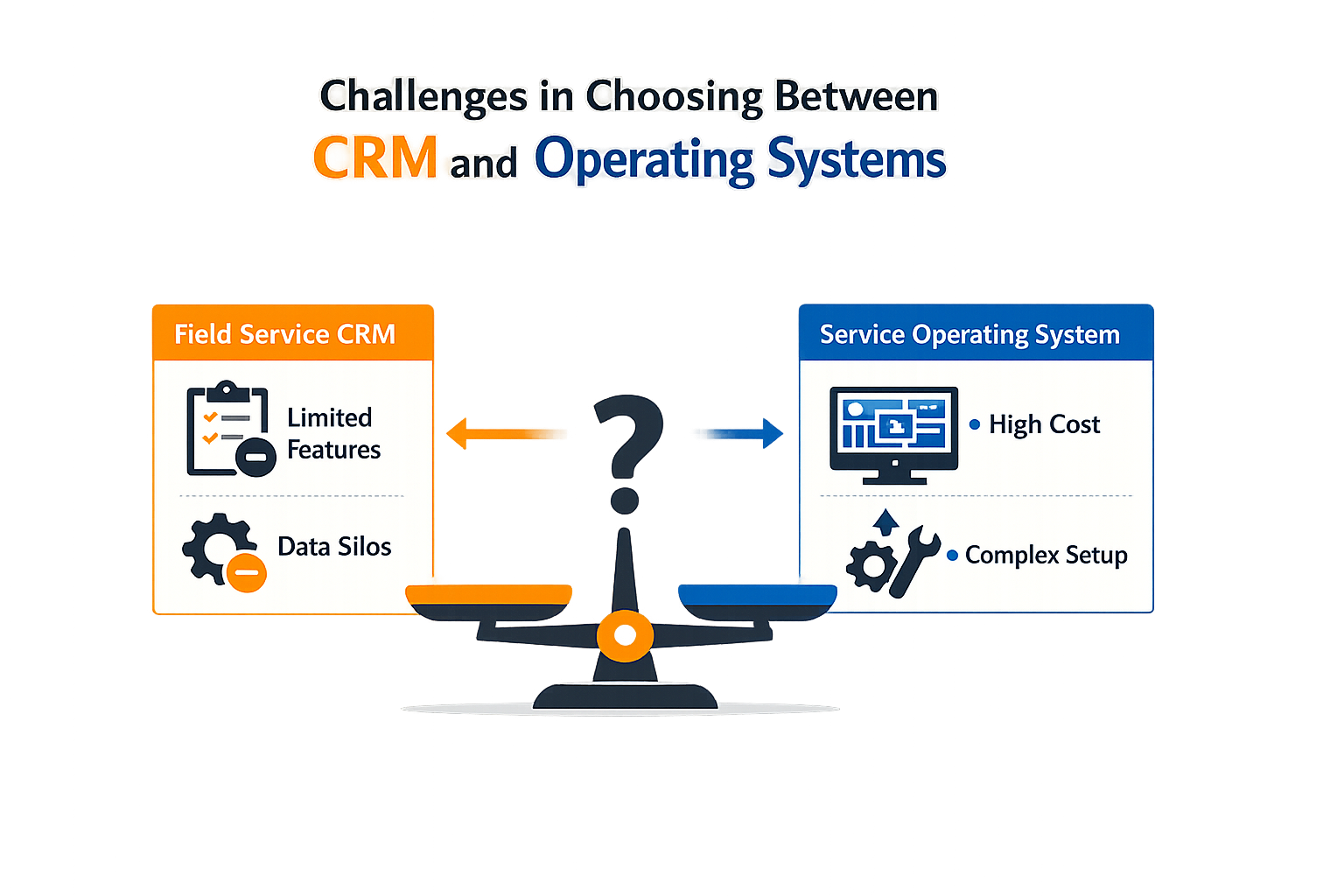
Service businesses face a fundamental decision: invest in a service business CRM or commit to a service business operating system. The choice matters because the wrong platform creates friction at every handoff — phone intake, estimate logic, calendar, contracts, job scope, documentation, customer records, recurring service, invoicing, and follow-up all have to agree about the same customer and the same job. When those pieces do not connect, the business runs on manual reconciliation instead of automation.
The CRM Trap
Most service businesses start with a service business CRM because the term is familiar and the promise is clear: manage customer relationships, track interactions, store contact records. That works until the business needs to schedule a technician, generate a detailed estimate with line-item pricing, or convert a proposal into a signed contract with job-specific scope. A traditional service business CRM stores the relationship but does not execute the workflow — the calendar lives in one tool, the estimate logic in a spreadsheet, the contract in a document editor, and the invoice in accounting software. Each handoff is a manual step, and each manual step is a place where details drift or disappear.
The Integration Mirage
The standard response is to integrate: connect the service business CRM to the scheduling tool, the scheduling tool to the invoicing platform, the invoicing platform to the payment processor. On paper, integration solves the problem. In practice, it creates a new one — each integration is a maintenance obligation, a potential failure point, and a source of version drift. When one vendor updates an API, the integration breaks, and the business discovers the failure only when a customer complains about a missing invoice or a technician shows up without the correct job scope.
FieldPulse and similar platforms attempt to solve this by bundling scheduling, dispatching, and invoicing into a single interface. That reduces the integration burden but does not eliminate the underlying issue: the platform still treats each function as a separate module rather than a unified workflow. The service business CRM module talks to the scheduling module, which talks to the invoicing module, and the business still reconciles discrepancies when data does not flow cleanly from one stage to the next.
The Operating System Alternative
A service business operating system starts from a different premise: the entire lifecycle — from initial customer inquiry to final payment and follow-up — should execute as a single, connected process. Phone intake captures not just a contact record but the service request, pricing logic, and scheduling constraints. The estimate is not a static document but a configuration against a published rate card that converts directly into scope when the customer accepts. Accepted scope becomes a job checklist with before-and-after documentation captured for the record, and job completion triggers invoicing and automated follow-up without manual handoff.
This connected operating model is what eliminates the reconciliation burden. When every function operates on the same data model, there is no drift between what the receptionist promised, what the technician delivered, and what the invoice reflects. Automated workflows ensure prospects and customers do not disappear into an inbox, and a knowledge-grounded receptionist can answer common service questions and schedule against live availability without escalating every inquiry to the owner.
The expensive part is not the website or the service business CRM license — it is connecting the business so every function agrees about the same customer and the same job.
The Real Decision
The choice between a service business CRM and a service business operating system is not a feature comparison. It is a question of whether the business wants to manage relationships or execute workflows. A service business CRM stores what happened; an operating system makes things happen. For service businesses where the workflow is the product — where scheduling, scope, documentation, and invoicing are not administrative tasks but the delivery mechanism itself — the operating system is the tool that scales without adding headcount.
For more on automating service business workflows, the principles apply across intake, scheduling, and follow-up. Understanding local SEO for contractors can also help service businesses optimize their online presence alongside operational improvements.
How Do You Choose Between a Service Business CRM and an Operating System?
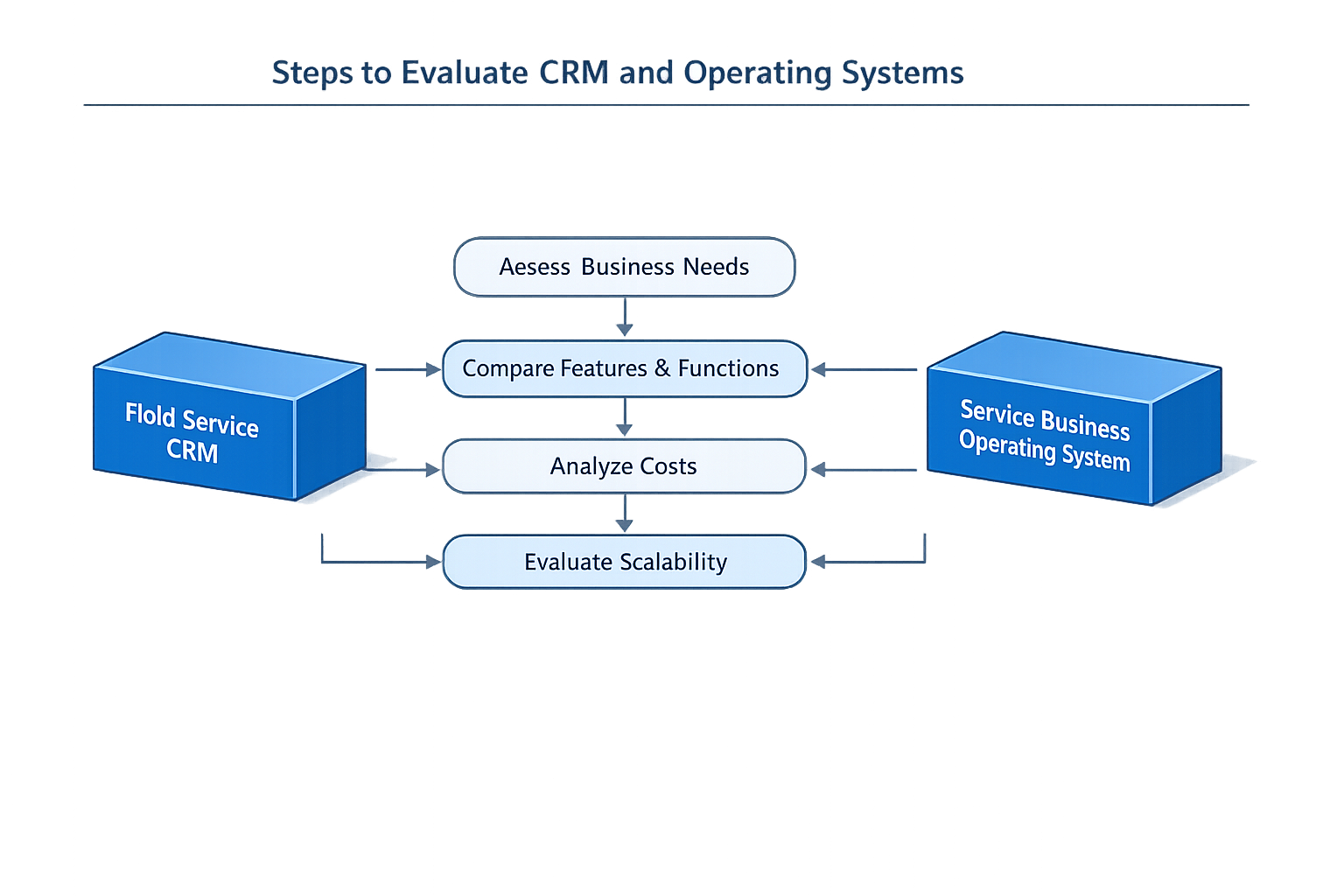
Choosing between a service business CRM and a service business operating system requires a structured evaluation of your current operations and growth trajectory. The decision hinges on whether you need a tool to manage customer records or a platform that connects every step of service delivery into a single workflow.
Step 1: Map Your Current Workflow Connections
Step 1
Inventory your disconnected systems
Document every tool and handoff in your service delivery chain: phone intake, estimating, scheduling, job documentation, invoicing, and follow-up. Identify where data moves manually between systems or lives in separate silos. A service business CRM typically handles customer records and communication history, but if your estimate logic, calendar, contracts, and invoicing operate independently, you are managing workflow gaps that a service business CRM alone will not close.
Most service businesses discover that their pain is not missing customer data — it is that the same customer and the same job exist in three different places with three different versions of scope, pricing, and status. Phone intake, estimate logic, calendar, contracts, job scope, documentation, customer records, recurring service, invoicing, and follow-up all have to agree about the same customer and the same job.
Step 2: Define Your Integration Requirements
Step 2
Assess what must connect end-to-end
List the business processes that must share live data without manual re-entry. If a customer books an appointment, does your calendar automatically update job scope, trigger a contract, and prepare an invoice template? If a technician completes a checklist in the field, does that completion immediately update the customer record and prompt follow-up workflows? A traditional service business CRM tracks the customer; an operating system connects the entire service lifecycle.
Platforms built to manage any kind of workflow ensure that everyone in your company performs at the highest level, from the moment a customer calls to the moment a job closes. If your evaluation reveals that you need automation across scheduling, job checklists, invoicing, and customer nurture, you are evaluating an operating system requirement, not a service business CRM feature set.
Evaluate Automation and Self-Service Capabilities
A knowledge-grounded receptionist can answer common service questions and schedule against live availability, reducing the manual load on your office team. Customers who configure common work against a published rate card and receive a written estimate without waiting for a callback move faster through your pipeline. Automated nurture and follow-up workflows ensure prospects and customers do not disappear into an inbox.
Owner verification that converts an estimate into final scope and an e-signable agreement, followed by job checklists with before-and-after media captured for the record, represents an operating system workflow. A service business CRM will store the customer's contact information and communication history, but it will not orchestrate the handoff from estimate to contract to job completion to invoice without additional tools or manual steps.
Step 3: Assess Reporting and Growth Infrastructure
Integrated analytics and dashboards make it easy to spot opportunities for growth when all your operational data flows through a single platform. If your current systems require exporting spreadsheets from multiple tools to understand job profitability, technician utilization, or customer lifetime value, you are working around the absence of a unified operating model.
| Evaluation Criterion | Service Business CRM | Service Business Operating System |
|---|---|---|
| Customer records | Complete | Complete |
| Estimate-to-invoice | Manual or partial | Automated end-to-end |
| Job workflow | External tools | Native orchestration |
| Recurring billing | Add-on or none | Built-in service logic |
| Analytics scope | CRM metrics only | Full operational visibility |
For service businesses evaluating small business automation, the platform decision determines whether automation lives in isolated pockets or spans the entire service delivery chain. The right choice depends on whether your growth is constrained by missing customer data or by workflow friction across your entire operation. Businesses looking to improve their online visibility should also consider marketing for home service businesses as part of their overall growth strategy.
What Implementation Strategies Work Best for Service Business CRM and Operating Systems?
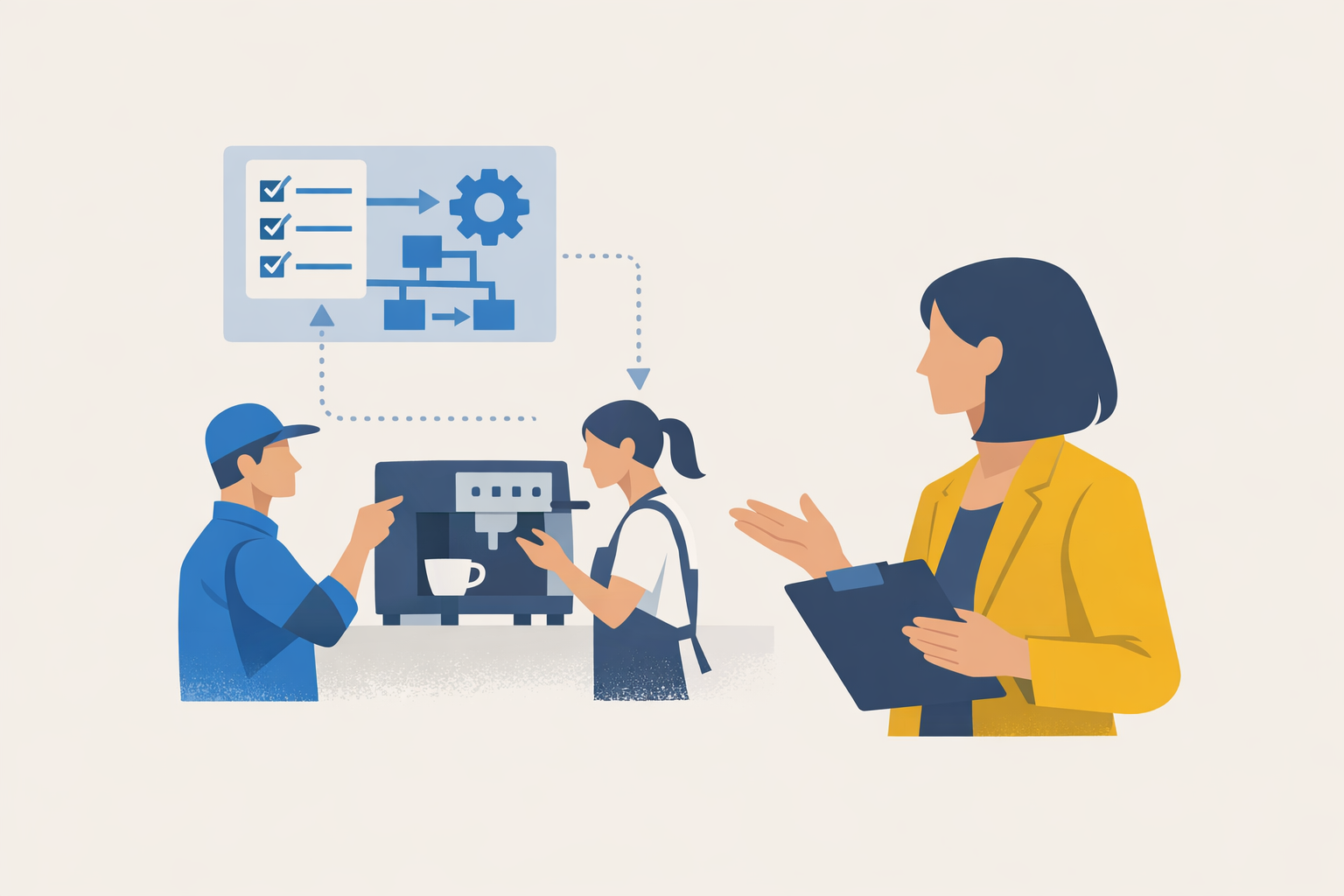
Once you've chosen between a service business CRM and an operating system, implementation determines whether the tool becomes a productivity multiplier or a glorified spreadsheet. The gap between purchase and value is execution — these practices close it.
Start with workflow mapping before configuration
Before you touch any settings panel, map your current workflows on paper. Document how a job moves from inquiry to payment, who touches it at each stage, and where handoffs fail. Most platforms can manage any kind of workflow, but they require you to define the sequence first. Configure the system to match the workflow you want, not the chaos you have now. If your process includes customer calls, scheduling, field work, invoicing, and follow-up, build those stages explicitly into the platform rather than forcing your team to remember steps the software doesn't track.
Automate communication touchpoints with dynamic content
Customer communication is where automation pays dividends fastest. Set up automated emails and SMS messages with dynamic content that pulls job details, technician names, and appointment times directly from the system. Customers expect arrival notifications and service reminders without you having to remember them. Platforms that support this automation let you customize messaging by job type, customer segment, or service history, which drives engagement without adding manual work. The goal is personalized communication at scale — templates that feel specific because they pull live data.
Use GPS tracking to optimize routing and accountability
Live GPS tracking serves two functions: it routes technicians faster and keeps them accountable. When dispatchers can see real-time locations, they assign the nearest available tech rather than guessing. Customers get accurate ETAs, which reduces the "where are they?" calls that eat office time. GPS data also creates a record of where technicians were and when, which matters for billing disputes and productivity reviews. If your system offers this feature, turn it on — it's not surveillance, it's operational visibility that benefits everyone when used transparently.
Step 1
Configure service history tracking by property
Set up your system to track service history at the property level, not just the customer level. This lets you see equipment details, past issues, and service intervals before you quote a job. When a customer calls about a furnace, you should be able to pull up the last three service visits, the equipment model, and any recurring problems without asking them to repeat information. Property-based tracking also enables automated service reminders tied to equipment age or seasonal maintenance windows.
Step 2
Build a customer hub for self-service transactions
If your platform supports it, enable a customer portal where clients can view past jobs, approve estimates, pay invoices, and book follow-up appointments without calling your office. This reduces inbound call volume and speeds up payment cycles. Customers who can approve an estimate at 9 PM and schedule service for the next morning are more likely to convert than customers who have to wait for office hours. The portal also creates a single source of truth for job status, which cuts down on "did you get my payment?" inquiries.
Integrate your system with accounting and payment processing
Manual data entry between your service platform and your accounting software is where errors breed. If your system supports direct integration with QuickBooks, Xero, or your payment processor, set it up during implementation. Invoices should flow automatically into your books, and payments should reconcile without re-keying numbers. This eliminates the end-of-month scramble to match records and ensures your financial data reflects actual job completion in real time. For businesses looking to systematize operations further, small business automation strategies can help identify which processes to automate first.
The best system is the one your team actually uses — configuration that matches how they work beats feature complexity they ignore.
Train incrementally and measure adoption by role
Roll out features in phases rather than overwhelming your team with everything at once. Start with core functions — scheduling, dispatching, invoicing — and add automation and reporting later. Track adoption by role: are dispatchers using the scheduling board? Are technicians closing jobs in the field? Are customers receiving automated confirmations? Low adoption in any role signals a training gap or a configuration mismatch. Address it before adding more features, because an unused system is a sunk cost no matter how powerful it is.
Conclusion
Choosing between a service business CRM and a service business operating system comes down to understanding what your business actually needs to function. A service business CRM tracks customer interactions and stores records — essential work, but only one piece of the operational puzzle. A service business operating system connects every step of service delivery into a single workflow, from the first phone call through invoicing and follow-up. When phone intake, estimate logic, calendar, contracts, job scope, documentation, customer records, recurring service, invoicing, and follow-up all agree about the same customer and the same job, the business runs without manual reconciliation.
The right system eliminates the gap between what the office knows and what the field sees. Real-time insights into business operations allow for timely decisions and improvements, which directly affects how quickly you can respond to bottlenecks or capacity constraints. Automated nurture and follow-up workflows ensure prospects and customers do not disappear into an inbox, improving engagement without adding headcount. These capabilities are not add-ons — they are the foundation of a scalable service operation.
In our work at Xenco Labs, we've seen the difference between managing customer records and managing the entire service lifecycle. Traditional seat-based service business CRM vendors charge per user and leave integration to you; a purpose-built operating system for local service businesses handles scheduling, dispatching, invoicing, and reporting as connected steps in one platform. That connected operating model is what allows owner-operators to focus on service quality rather than administrative reconciliation. If your business is still stitching together separate tools for each function, evaluate whether a unified operating system would remove more friction than another service business CRM seat.
For service businesses ready to move beyond fragmented tools, small business automation offers a practical starting point for identifying which workflows to connect first. Understanding Google Business Profile optimization can also help service businesses improve local visibility as they scale their operations. The goal is not to buy more software — it is to run the business with less manual effort and more predictable outcomes.
FAQ
What is the main difference between a service business CRM and an operating system?
A service business CRM manages customer relationships and records, tracking interactions and storing contact information. A service business operating system connects the entire service delivery lifecycle—from phone intake and scheduling to invoicing and follow-up—into a unified workflow that eliminates manual handoffs.
When should a service business choose a CRM over an operating system?
A service business CRM works well when your primary need is contact management and sales pipeline tracking. If your scheduling, estimating, and invoicing processes are already automated through other tools and work smoothly, a service business CRM may be sufficient. However, if you're stitching together multiple disconnected systems, an operating system provides better value.
How does pricing differ between service business CRM and operating systems?
Traditional service business CRM platforms typically use seat-based pricing, charging per user. This model assumes office workers who log in daily. Service business operating systems often price around jobs, locations, or revenue—better aligned with field service economics where technicians rarely access the system directly.
Can a service business CRM handle field service operations?
Many modern service business CRM platforms add scheduling and dispatching modules, but they typically treat each function as a separate feature. This creates integration challenges and manual reconciliation points. A purpose-built operating system treats the entire workflow as a connected process, reducing friction at every handoff.
Sources(20)
- Local Service Business OS
- FieldPulse
- Housecall Pro
- FieldPulse — Pricing page
- ServiceTitan
- Google Business Profile guidelines
- Google Business Profile Help — Guidelines for representing your business on Google
- Google Business Profile guidelines
- Xenco Labs — Services
- Managed Search & Content Intelligence
- Xenco Labs — Terms of Service (last updated March 11, 2025)
- Xenco Labs — Local Service Business OS SEO/AEO/content strategy (2026-10-08)
- Xenco Labs — Sonoma Wash Co. case study
- Google Search Central — AI features and your website
- Google Search Central documentation
- local-service-business-os (shared_fact)
- local-service-business-os (xl_local_os_editorial)
- websites-landing-pages (shared_fact)
- fieldpulse (competitive_claim)
- google-search-central (source_extract)
Written by
Xenco Labs Editorial
Published October 20, 2026 · 16 min read
The Xenco Labs editorial team writes about building and shipping AI products to production.
You Might Also Like
More from the Xenco Labs blog
Pressure Washing Software: What an Owner-Operator Actually Needs
Discover the pressure washing software owner-operators need for scheduling, invoicing, customer management, and efficient operations in 2025. Learn how pressure washing

Workflow Automation for Small Business
Discover what workflow automation for small business is and how to implement it for small business operations. Boost efficiency, save time, and streamline tasks.

Pressure Washing CRM Business Software: Automate Beyond Customer
Discover how pressure washing CRM business software optimizes your operations by automating scheduling, invoicing, routing, and tasks beyond customer records.

How Much Does Small Business Automation Cost? Small Business Guide
Discover how much small business automation costs, including pricing factors, AI receptionist options, and budgeting strategies.